Convert to BTC
Turn the frBTC in your wallet back into native Bitcoin, in your own wallet, once the network releases it.
frBTC is the wrapped form of BTC that pools trade in. When you want native Bitcoin again, you convert it back. Alkanex does this for you with one tap from the wallet card, and your native BTC lands in the same wallet once the Subfrost federation releases it, usually 30 to 60 minutes later, sometimes longer.
This is an in-wallet convert: the BTC arrives in your own Alkanex wallet. To send BTC out to an address outside the bot, use Withdraw instead (see the Withdraw page).
Open the convert panel
On any wallet card, tap frBTC -> BTC. The panel opens with your available balance and asks how much:
Turn it into native Bitcoin in your wallet. The BTC release is handled by the Subfrost federation, not by Alkanex, and usually takes 30-60 minutes (sometimes longer). A small network fee applies. How much?
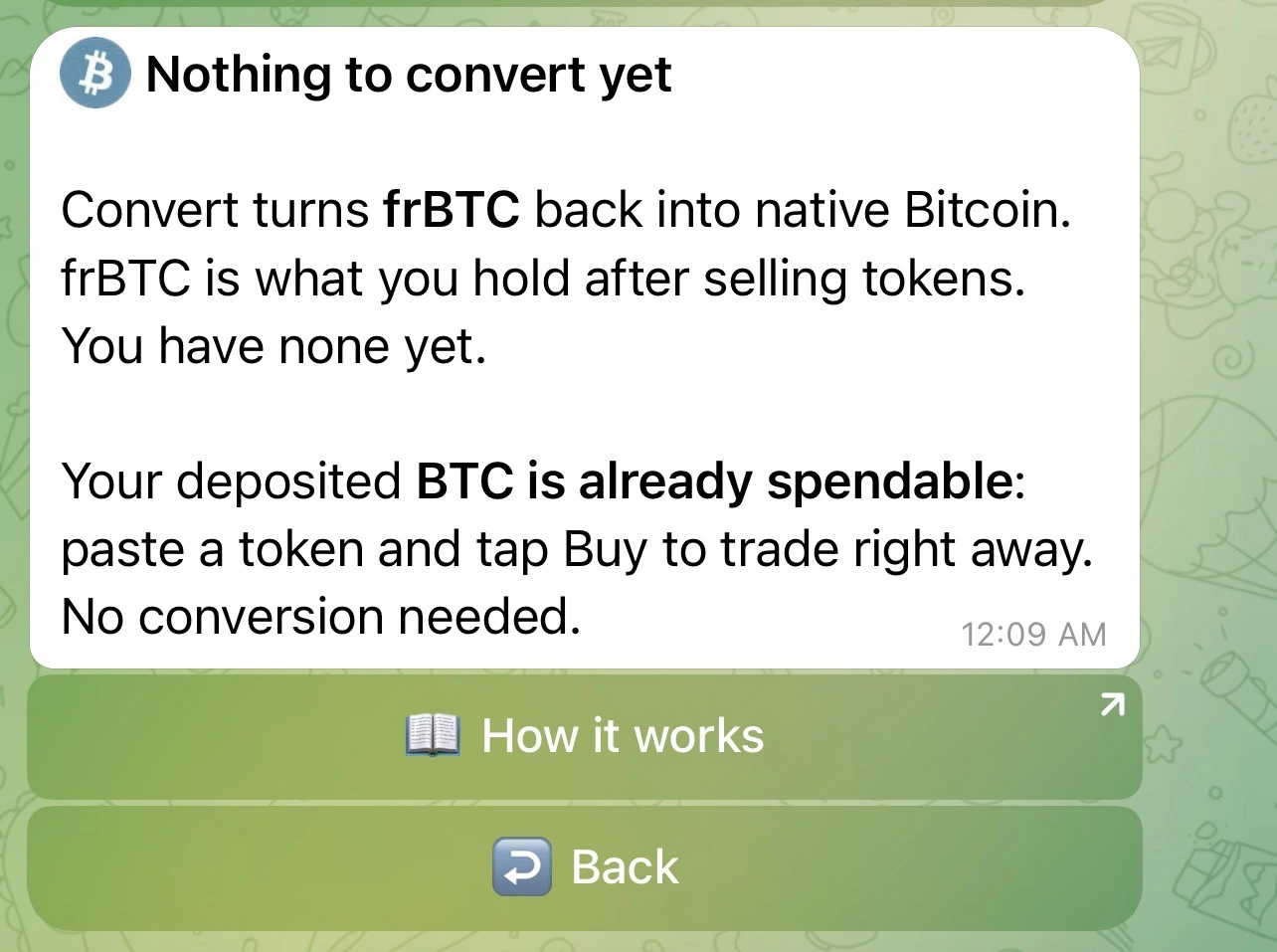
Nothing to convert yet
Convert only turns frBTC back into native BTC, and you only hold frBTC after selling a token. So if you have only deposited BTC and never sold, there is nothing to convert yet. That is expected, not an error. Your deposited BTC is already spendable: paste a token and tap Buy to trade right away, with no conversion step needed.
Choosing an amount
You pick how much to convert:
| Choice | What it does |
|---|---|
| 25% / 50% / 100% | Convert that share of your available frBTC in one tap. |
| Custom amount | Send a BTC amount (for example 0.001) or a percent (for example 50%). |
For Custom, the bot prompts:
How much to convert? Send a BTC amount (e.g. 0.001) or a percent (e.g. 50%). Reply to this message.
If the amount is below the minimum, the bot says "That amount is too small to convert." If it cannot read what you sent, it asks again: "I did not get that. Send a BTC amount like 0.001 or a percent like 50%."
Then you get a confirmation, for example "Convert 0.001 to native BTC", with the note: "It goes to your own wallet. The Subfrost federation releases the BTC, usually within 30-60 minutes, sometimes longer (a small network fee applies)." Tap Convert to start, or Cancel.
How long it takes, and the fee
Converting is not instant. It settles on Bitcoin, then waits for the Subfrost federation to release your BTC. In practice the release usually takes 30 to 60 minutes, sometimes longer. A small network fee applies (usually a few hundred sats).
Watching it happen
Once you confirm, the panel updates in place through each step. You do not refresh anything, the bot edits the message as it goes:
| Step | What you see |
|---|---|
| Queued | "Converting to BTC ..." |
| Building | "Preparing your conversion ..." |
| Signing | "Signing ..." |
| Broadcasting | "Sending to Bitcoin ..." |
| Confirming | "Confirming on Bitcoin ..." |
| Releasing | "Almost there. The Subfrost federation is releasing your BTC. This usually takes 30-60 minutes, sometimes longer ..." |
| Done | "Done. {amount} BTC is on the way to your wallet." |
The header reads "Converting {amount} frBTC to BTC" while it runs, then flips to "Converted to {amount} BTC" when it finishes. A View transaction link lets you follow it on a block explorer.
What is actually happening
Under the hood this is an unwrap. Your frBTC is released back to native BTC by the same FROST federation that holds the wrapped BTC. The bot builds, signs, and broadcasts the Bitcoin transaction for you, then watches the network release your BTC. There is no manual step and no separate app.
While a conversion is in flight, your Portfolio shows it as pending, for example "{amount} BTC converting", so you always know it is on the way.
Convert vs withdraw
Convert to BTC keeps your Bitcoin inside your own Alkanex wallet. To send it out to an address outside the bot, that is a separate feature, Withdraw (see the Withdraw page). Convert is the in-wallet path; Withdraw is the send-out path. From a converted balance you hold real Bitcoin, ready to use however you like or to withdraw.